
PLC Obsolescence and the Cost of Waiting
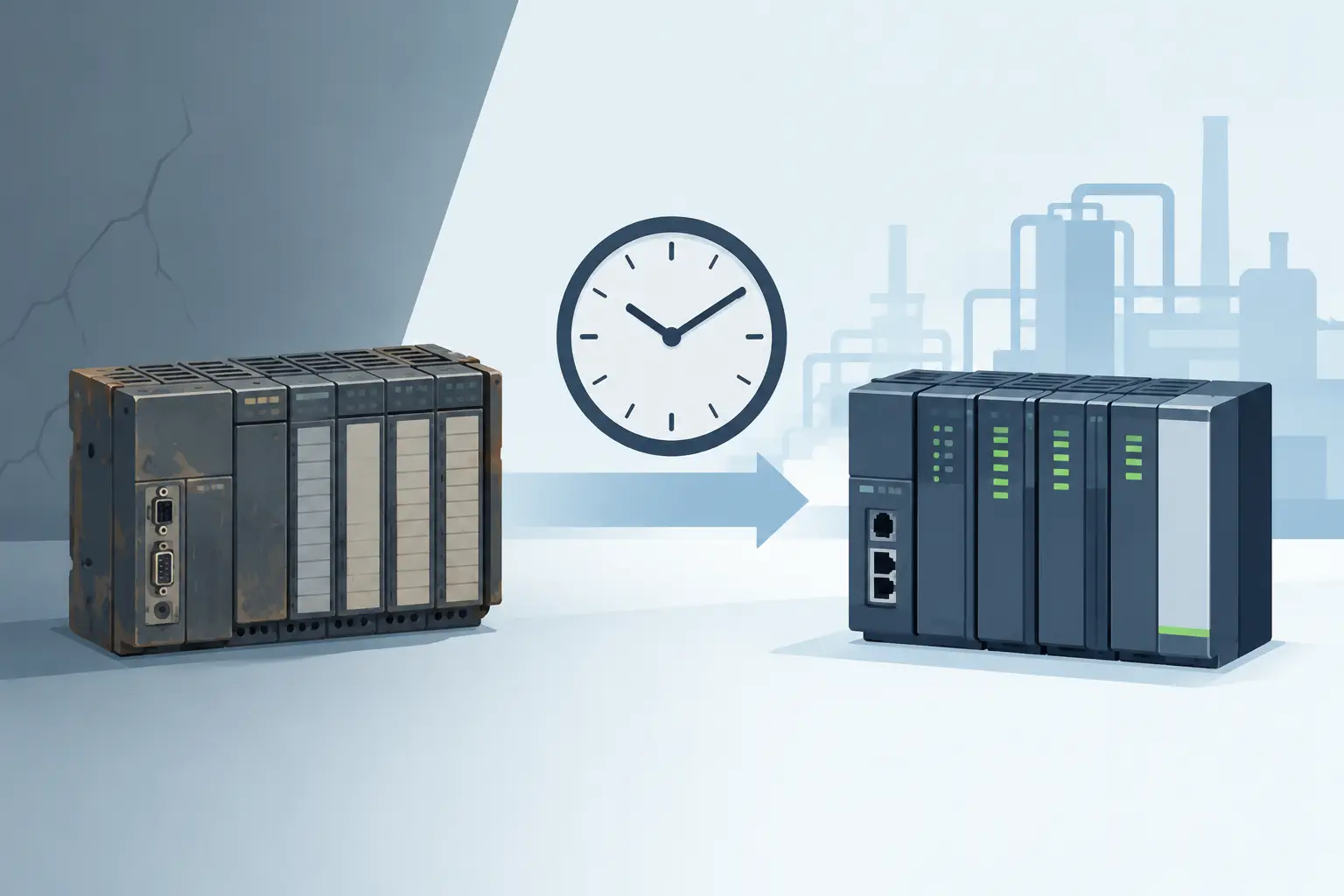
A failed PLC is rarely just a failed PLC. It can stop a packaging line, disable a conveyor zone, prevent a process skid from starting, or leave a machine waiting for a part that is no longer made. PLC obsolescence becomes expensive when a plant first discovers it during an unplanned outage, with no verified spare, no current program backup, and no clear replacement path.
For maintenance and controls teams, the objective is not to replace every older controller. Many legacy PLCs continue to run reliably for years. The objective is to identify where aging hardware, shrinking availability, and unsupported software create an unacceptable recovery risk - then take action before a small component failure becomes a production event.
What PLC obsolescence means in practice
PLC obsolescence is not limited to a manufacturer issuing an end-of-life notice. A controller can be operationally obsolete long before, or well after, its formal discontinuation date. The practical concern is whether your team can restore the machine safely and quickly after a failure.
A PLC may be considered at risk when new units are no longer produced, authorized repair options are limited, programming software will not run on current engineering computers, or compatible communication modules and power supplies have become difficult to source. The risk also extends to expansion I/O, memory cards, batteries, operator interfaces, drives, network adapters, and specialty modules. A readily available CPU does not solve the problem if the machine depends on an unavailable remote I/O interface.
Availability varies by manufacturer, series, condition requirement, and exact part number. A discontinued Siemens, Allen-Bradley, Omron, Mitsubishi, Schneider Electric, ABB, or Delta component may still be obtainable. That does not automatically make it a low-risk production asset. Lead time, tested condition, replacement interchangeability, and the number of installed units all affect the decision.
Why waiting changes the cost of a failure
The purchase price of a controller is often the smallest part of an obsolescence event. The larger costs come from lost output, expedited freight, emergency labor, troubleshooting, program recovery, and the possibility of modifying equipment under pressure. If the original PLC program is missing or the replacement hardware requires conversion, a simple swap can become an engineering project.
Waiting also reduces purchasing options. When a part is still available through several sources, a buyer can verify specifications, compare condition and delivery commitments, and select the right item. When the same part has failed during a weekend shutdown, the decision is driven by what can ship immediately. That can lead to a higher-cost purchase, an unverified substitute, or an extended outage.
There is a trade-off. Replacing a controller too early can consume capital and introduce migration risk into equipment that is otherwise stable. Waiting too long transfers that risk to maintenance, production, and procurement. The right timing depends on criticality, failure history, spare coverage, and the effort required to move to a supported platform.
Identify the PLCs that deserve attention first
Start with a focused inventory rather than a sitewide modernization assumption. Record the exact manufacturer, series, CPU part number, firmware where applicable, power supply, rack or base, I/O modules, communications cards, and installed quantity. Photograph labels and capture revision information. Generic descriptions such as “old Siemens PLC” or “legacy Allen-Bradley controller” are not sufficient for sourcing or compatibility review.
Then classify each control system by production impact. A PLC on a noncritical utility panel may be able to wait. A controller that runs the only case packer, batch process, safety-related sequence, or material handling bottleneck should receive a higher priority. Consider how long the operation can run without it, whether manual operation is possible, and whether there is another line with available capacity.
A useful review should answer four questions:
- Can the exact CPU, power supply, and required modules still be sourced within the plant's acceptable recovery window?
- Is there a known-good spare onsite, and has it been verified rather than simply stored?
- Can the team access a current, tested copy of the PLC program and supporting configuration files?
- Would a replacement require hardware changes, panel rework, program conversion, or machine validation?
If several answers are no, the system belongs on an obsolescence action list. This is not necessarily a mandate for immediate replacement. It is a signal to establish a recovery plan while the equipment is still running.
Do not overlook the supporting components
A PLC system fails at its weakest available component. A 24 VDC power supply, proprietary battery, interface cable, communication processor, or analog input module can be the item that puts a machine down. Older systems are especially vulnerable when modules are specific to one controller family or fieldbus network.
Review the entire bill of materials for each critical panel. Include terminal blocks only where they are proprietary or difficult to replace, but give close attention to operator terminals, managed switches, encoders, sensors, servo interfaces, and drive communication modules. These parts may have separate lifecycle timelines from the PLC itself.
Choose between spare coverage, repair, and migration
There are three common responses to PLC obsolescence, and each has a place.
A strategic spare is often the fastest option for a stable legacy machine. This approach works when the hardware is available, the application is well understood, program backups are complete, and the expected remaining life of the machine supports the investment. Store the spare in suitable conditions, label it to the specific asset, and test it where practical. An untested spare with unknown firmware is not a complete contingency plan.
Repair can be appropriate when a failed unit is economically repairable and the plant needs time to plan a migration. It should not be treated as a permanent answer if repairs are recurring, replacement boards are scarce, or the system has broader software and communications limitations. Repair lead time must fit the production requirement.
Migration is the strongest long-term option when support has ended, spares are unreliable, the installed base is large, or the machine needs new functionality. It also carries the most planning requirements. A migration may involve updated I/O, new network architecture, program conversion, HMI changes, panel modifications, electrical documentation, factory testing, commissioning, and operator training. The cost is higher than a direct replacement, but it can reduce future exposure and improve maintainability.
The decision should be based on total recovery cost, not on controller price alone. A $1,000 spare may protect hours of lost production. Conversely, spending heavily on scarce legacy hardware may not make sense when a scheduled retrofit is already planned within the next year.
Build a procurement-ready recovery file
Obsolescence planning is stronger when engineering and procurement use the same data. For every high-priority system, maintain a recovery file containing exact part numbers, acceptable revisions, photos, electrical drawings, PLC and HMI backups, software version details, network settings, and vendor contact information. Identify whether a replacement must be new, can be unused surplus, or can be tested refurbished equipment according to your plant standards.
When sourcing a legacy part, verify more than the series name. Check voltage, module type, terminal style, memory requirements, firmware compatibility, rack location, and communication protocol. A near-match may look correct but fail to communicate with existing hardware or may require changes that are not acceptable during an emergency repair.
Procurement should also define acceptable delivery terms before the failure occurs. That includes required ship date, shipping method, receiving hours, return requirements, and any inspection or documentation needs. Buyers who can provide an exact SKU and clear condition requirement are more likely to receive a useful availability response quickly.
For multi-brand facilities, a centralized source for automation components can simplify this work. American Automation 24 supports part-number-driven purchasing across major industrial control brands, helping teams source replacement PLC hardware and related components without starting from a different supplier list for every manufacturer.
Make program recovery part of the plan
Hardware availability cannot compensate for an unavailable program. Confirm that the latest running PLC program has been uploaded, version-controlled, and stored in a location accessible to authorized personnel. Preserve HMI projects, drive parameters, network configuration files, electrical drawings, and any machine-specific instructions needed after replacement.
Test restoration procedures during planned maintenance when possible. Verify that engineering laptops have the required software, licenses, cables, and user access. Older programming environments can create a separate form of obsolescence when they depend on outdated operating systems or legacy serial interfaces. A documented virtual machine or dedicated service laptop may be justified for critical legacy equipment.
Turn the assessment into a workable schedule
A practical obsolescence plan assigns an owner, a target date, and a specific action to each system. One asset may need a spare purchase this quarter. Another may need a program backup and a communication module identified. A third may justify a capital migration during the next planned shutdown.
Review the list at least annually and after major production changes. Lead times, manufacturer lifecycle notices, installed quantities, and machine criticality all change. The best time to confirm a part number, verify a backup, and place a planned order is when the line is producing normally and the plant still has choices.