
How to Configure Remote I/O Without Startup Delays
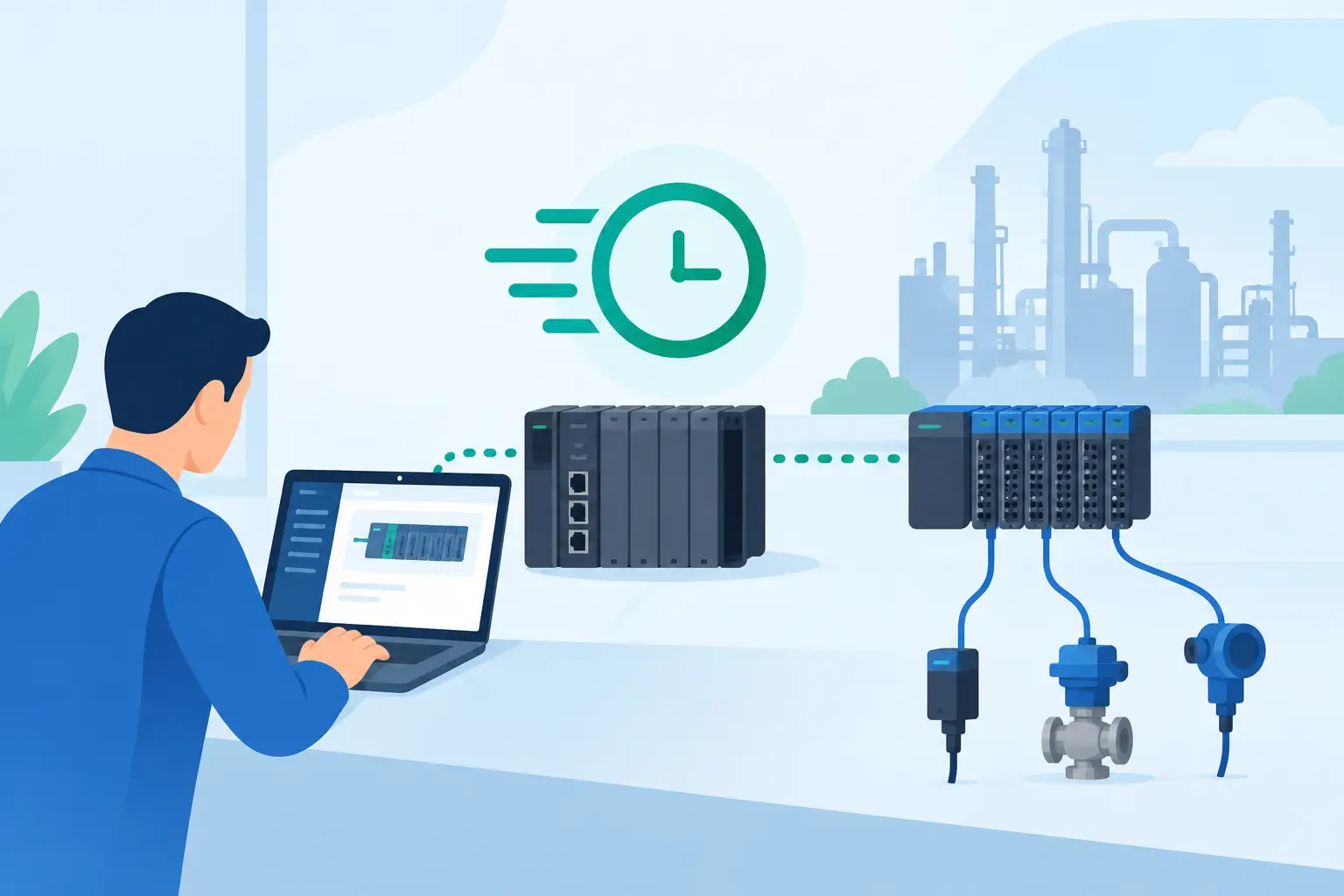
A remote I/O station can look complete at the panel door and still fail at startup because one node address, module position, or channel parameter does not match the controller project. Knowing how to configure remote I/O correctly means treating the station as a controlled system: hardware order, network identity, power segmentation, controller definition, and field-device checks must all agree.
For maintenance teams and controls engineers, the goal is not simply to make a node come online. The goal is to commission a station that can be diagnosed quickly, documented accurately, and replaced with minimal interruption when a module or field device fails.
Start With the I/O Architecture
Before installing hardware or opening programming software, confirm the architecture against the electrical drawings, I/O list, network layout, and controller specification. Identify the remote I/O platform, the network protocol, the controller, and the exact part numbers for the coupler or adapter, power feed modules, digital modules, analog modules, specialty modules, terminal bases, and end caps.
Remote I/O families are not interchangeable simply because they support the same protocol. An EtherNet/IP adapter, PROFINET interface, EtherCAT coupler, or Modbus TCP head may require a specific series of I/O slices, power bases, and configuration files. Firmware level can matter as well. A replacement module that fits physically may not be supported by an older controller revision or device description file.
Confirm the station's expected electrical load early. Separate field power from logic power where the platform requires it, and calculate current draw by module group. High-current solenoids, valve banks, and actuator outputs often need a dedicated field-power segment. If that segment loses power, the controller may continue communicating with the rack while outputs remain unavailable. That distinction prevents wasted troubleshooting time.
Build the Station in the Correct Physical Order
Most modular remote I/O systems identify modules by their position from the network adapter or coupler. The software configuration must match the installed left-to-right or top-to-bottom order exactly. One misplaced module can shift every subsequent channel assignment, especially on platforms that do not use keyed terminal bases.
Install the communication adapter first, followed by required power supplies or power-feed modules, then I/O modules in the sequence shown on the approved drawing. Fit the end cap or terminating module required by the manufacturer. Check that each slice is fully seated and that locking tabs, base units, and connectors are secure.
For analog and specialty modules, verify the terminal arrangement before landing wires. A 0-10 V input, 4-20 mA input, RTD channel, thermocouple channel, and pulse input may use different commons, shield connections, and wiring practices. Do not assume a channel accepts either voltage or current just because the module has a similar terminal layout.
Label the station at the panel and label each network drop. Include the equipment name, node name or IP address, cabinet designation, and drawing reference. This is operational documentation, not cosmetic work. During a breakdown, a technician should be able to identify the correct station without tracing a cable through multiple enclosures.
Set the Network Identity Before Commissioning
The communication interface needs a unique identity on its network. Depending on the platform, this may be a rotary address, DIP-switch address, IP address, device name, station name, or a combination of these settings.
For Ethernet-based systems, follow the plant's approved IP addressing plan. Record the IP address, subnet mask, gateway where used, device name, MAC address, and switch port. Avoid assigning addresses from a laptop or temporary commissioning tool without first checking for duplicates. An IP conflict may appear as intermittent communication, dropped connections, or a device that works only when another machine is offline.
PROFINET installations require particular attention to device names. The controller typically establishes the connection using both the configured device name and the assigned network parameters. A correct IP address alone may not bring the station online. In EtherNet/IP systems, confirm the adapter address and electronic keying policy. Exact-match keying offers stronger protection against incorrect hardware, while less restrictive settings can help during controlled replacement scenarios. The right choice depends on the plant's change-control standard.
On serial or fieldbus networks, confirm node addresses, baud rate, termination, cable shielding, and trunk-drop limits. Do not leave duplicate node addresses in a test rack connected to the production segment. A single duplicate can disrupt an entire network.
How to Configure Remote I/O in the Controller Project
Add the exact remote I/O adapter or coupler to the controller project using the manufacturer-supported hardware catalog, device profile, or EDS/GSDML file. Select the catalog number and firmware revision that match the installed device. If the engineering workstation does not recognize the part, resolve that mismatch before trying to force communication.
Create the module tree in the same physical sequence as the station. For each module, confirm the catalog number, channel count, signal type, and slot or position. The controller will usually generate a process image, tag structure, or input/output address range from this configuration.
Name tags from the approved I/O list rather than relying on default addresses such as `Input_03` or `Output_12`. A tag such as `Cartoner_Infeed_PE` gives operators and maintenance staff useful information during diagnostics. Include the equipment area where similar devices exist on several machines.
Configure channel parameters before testing field devices. Common settings include input filter time, normally open or normally closed behavior, diagnostic reporting, output fault response, analog range, scaling, wire-break detection, and engineering units. A 4-20 mA transmitter configured as 0-20 mA can appear to work, but its low-end value and fault detection will be wrong. Likewise, an output defaulting to a hold-last-state response may be unacceptable for a pneumatic actuator or safety-related process.
Use the controller's configuration verification tools, then download the project during an approved maintenance window. If the platform supports online compare, compare the controller configuration with the installed device after download. Differences should be corrected deliberately, not accepted without review.
Commission One Signal Type at a Time
Start with network status and module diagnostics. Confirm that the adapter is connected, the controller shows the expected I/O connection, and no module reports a configuration, power, or bus error. Review diagnostic codes in both the controller software and the module indicators. LEDs are useful, but they do not replace the specific fault message available in the engineering tool.
Then verify inputs, outputs, and analog channels in a controlled sequence. Check a digital input by operating the actual sensor or switch and confirming the correct tag changes state. For outputs, use a safe functional test with the equipment isolated as required. Confirm the output command, field voltage, load response, and feedback signal where available.
Analog signals require a measured approach. Compare the raw value, scaled engineering value, and a known source signal from a calibrated simulator or field instrument. For a 4-20 mA level transmitter, test more than one point. A correct reading at 20 mA does not prove that the lower range, scaling, or wire-break threshold is correct.
If a channel behaves unexpectedly, isolate the problem in this order: controller logic, assigned I/O tag, module parameter, field wiring, supply voltage, and field device. Replacing a module before checking the configuration often adds time without resolving the fault.
Plan for Replacement and Ongoing Support
Remote I/O reliability depends on keeping accurate records after commissioning. Save the controller project revision, network settings, module list, firmware details, terminal drawings, and tested channel parameters. Keep the installed part numbers aligned with the spare-parts list. If a platform uses removable terminal blocks or bases, document whether a replacement module can be exchanged without disturbing field wiring.
Stocking strategy depends on criticality. A high-volume production line may justify a spare network adapter, power supply, and commonly used I/O modules. A lower-risk installation may only need fast access to exact replacement part numbers. In either case, avoid substituting a similar-looking module without checking compatibility, channel type, revision requirements, and controller support.
American Automation 24 supports buyers who need to source identified automation components across major manufacturer platforms. When ordering a replacement, provide the complete catalog number, installed series, and any relevant firmware or communication details to reduce compatibility delays.
A remote I/O station is ready for production when its hardware layout, network identity, controller project, and field signals all match the documentation. Build that discipline into the first installation, and the next fault call becomes a targeted repair instead of a full commissioning exercise.